The JMeter MCP Server allows you to execute and manage JMeter tests via MCP-compatible clients with the following capabilities:
Execute JMeter tests in non-GUI mode: Run tests with better performance using
execute_jmeter_test_non_guiLaunch JMeter in GUI mode: Open JMeter tests using
execute_jmeter_test(note: this only opens but doesn't execute the test)Capture and return execution output: Collect test results and errors for debugging or analysis
Validate test files: Ensure test files exist and have the correct .jmx extension
Error handling: Capture execution errors and provide meaningful feedback
🚀 JMeter MCP Server
This is a Model Context Protocol (MCP) server that allows executing JMeter tests through MCP-compatible clients.
📢 Looking for an AI Assistant inside JMeter? 🚀 Check outFeather Wand
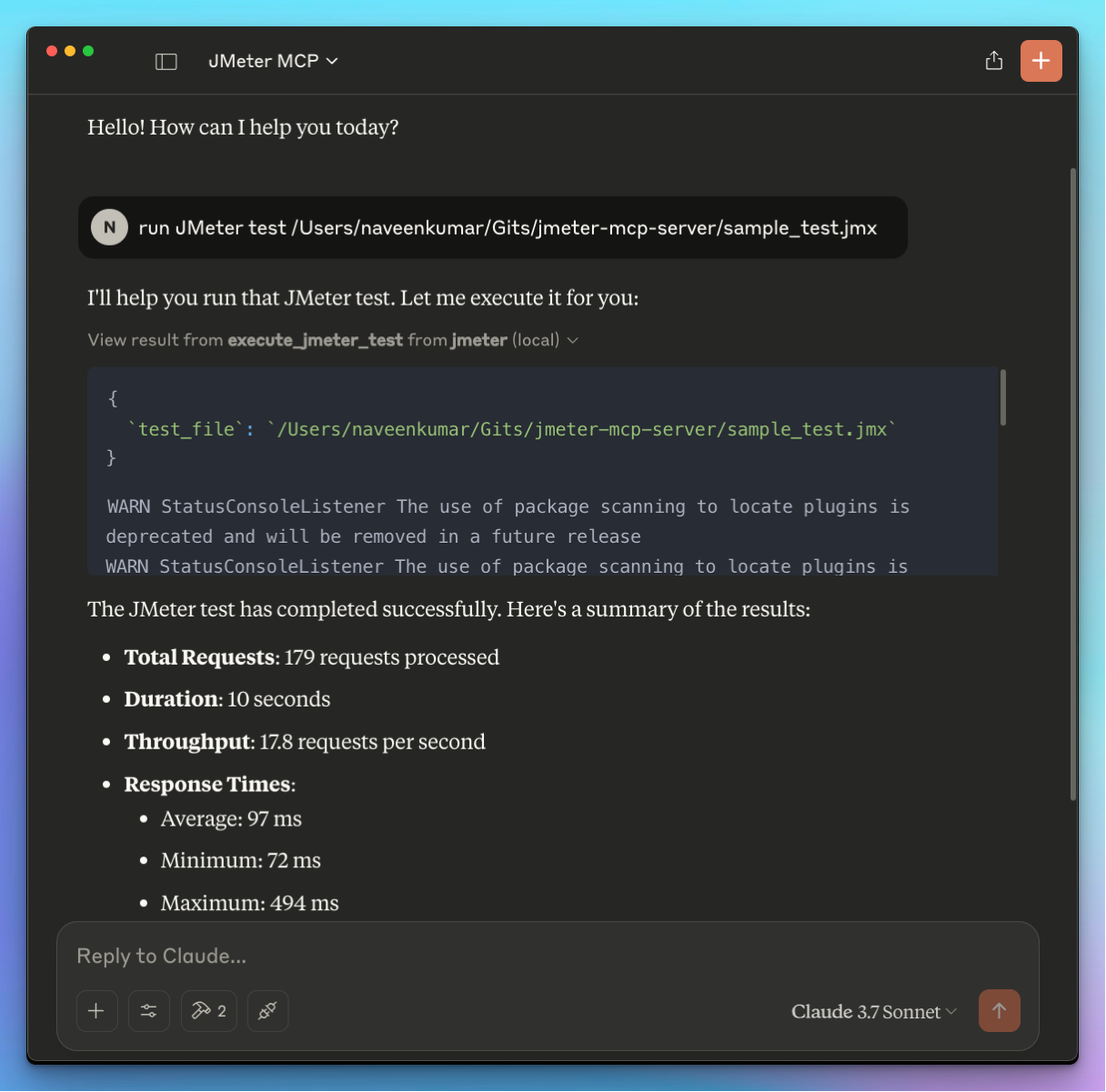
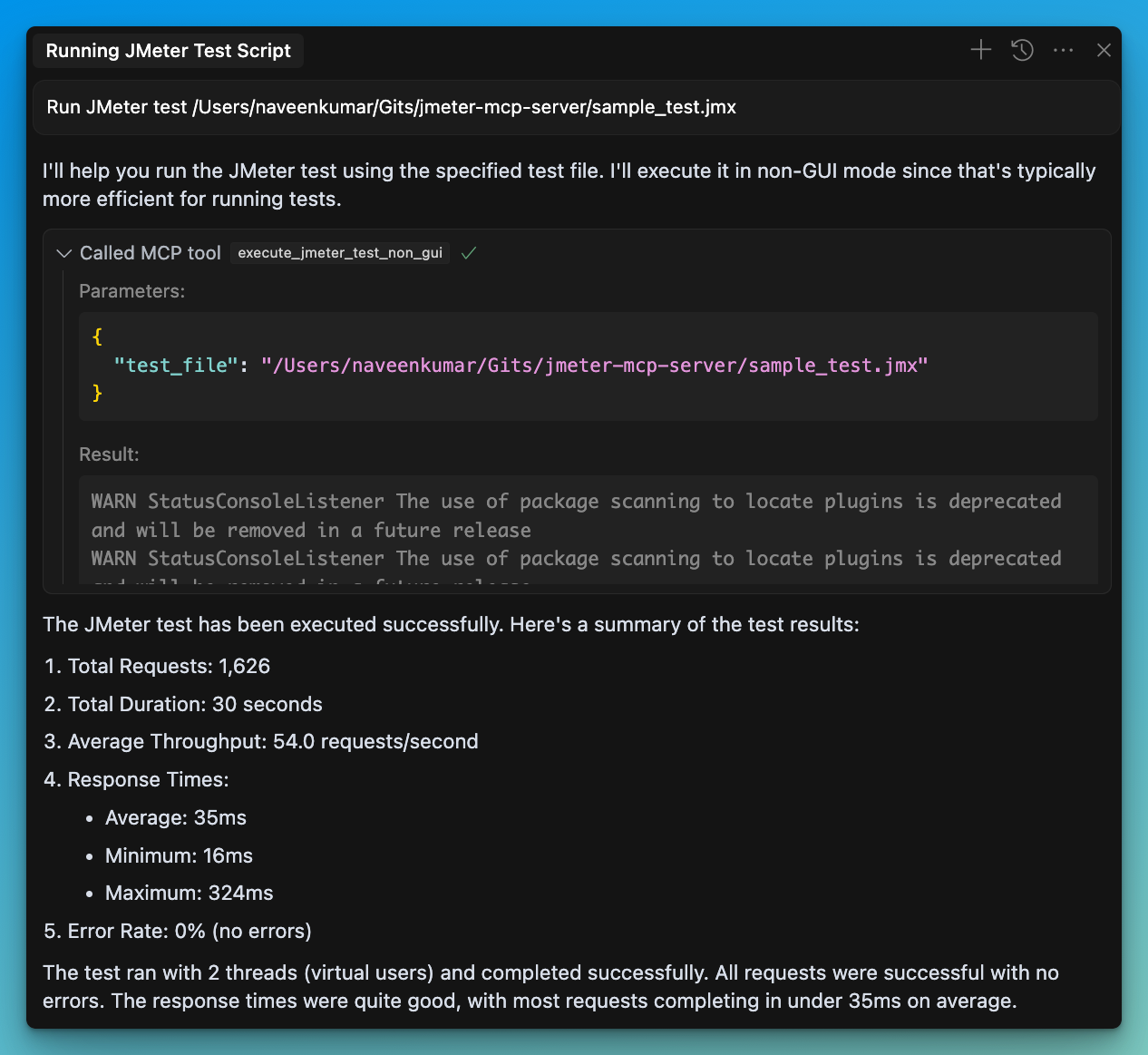
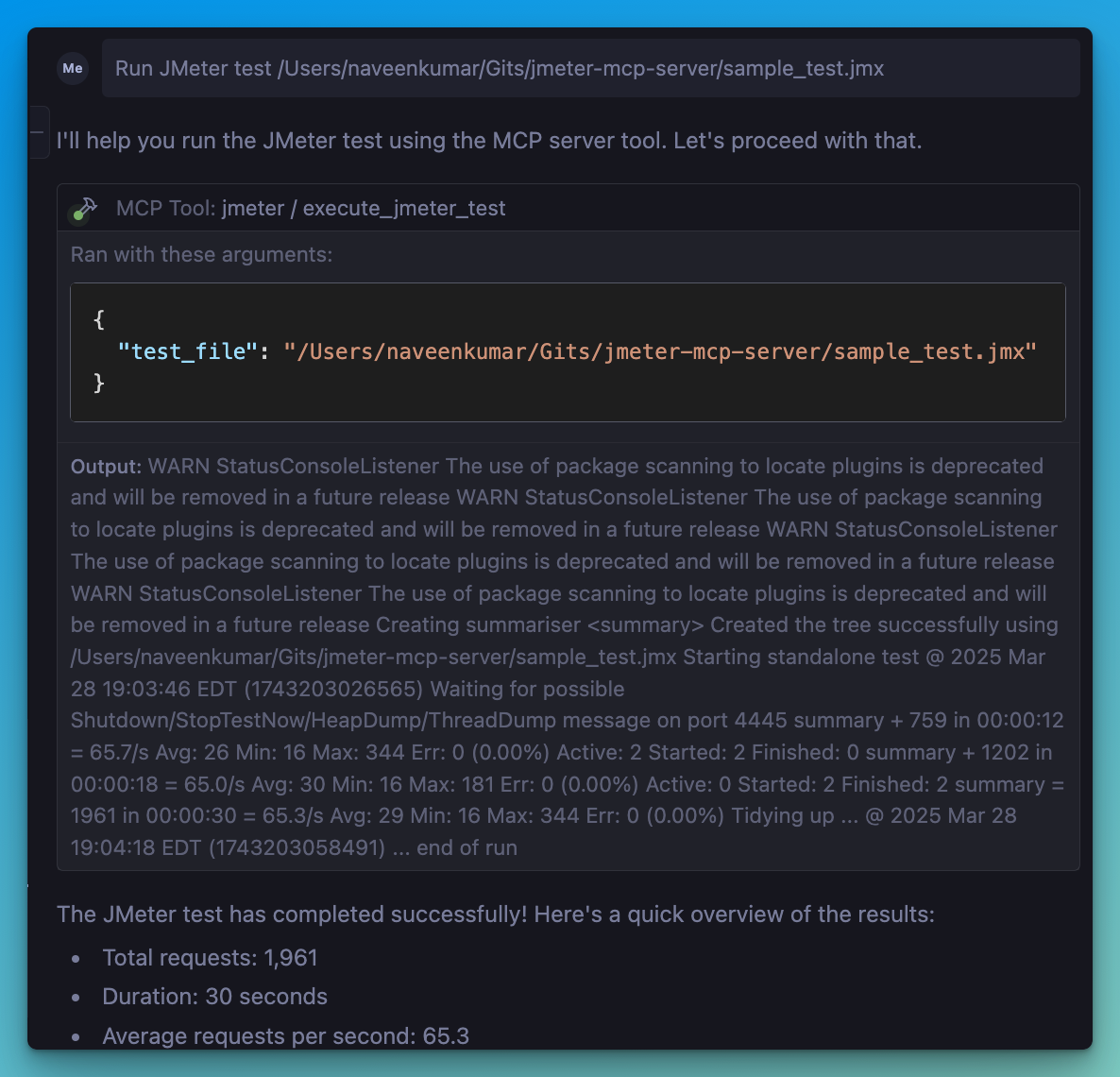
📋 Features
📊 Execute JMeter tests in non-GUI mode
🖥️ Launch JMeter in GUI mode
📝 Capture and return execution output
Related MCP server: JMeter MCP Server
🛠️ Installation
Local Installation
Install
uv:Ensure JMeter is installed on your system and accessible via the command line.
⚠️ Important: Make sure JMeter is executable. You can do this by running:
Configure the
.envfile, refer to the.env.examplefile for details.
💻 MCP Usage
Connect to the server using an MCP-compatible client (e.g., Claude Desktop, Cursor, Windsurf)
Send a prompt to the server:
MCP compatible client will use the available tools:
🖥️
execute_jmeter_test: Launches JMeter in GUI mode, but doesn't execute test as per the JMeter design🚀
execute_jmeter_test_non_gui: Execute a JMeter test in non-GUI mode (default mode for better performance)
🏗️ MCP Configuration
Add the following configuration to your MCP client config:
✨ Use case
LLM powered result analysis: Collect and analyze test results.
Debugging: Execute tests in non-GUI mode for debugging.
🛑 Error Handling
The server will:
Validate that the test file exists
Check that the file has a .jmx extension
Capture and return any execution errors