Uses environment variables for configuration, allowing users to customize server settings such as IDA paths, binary paths, and network options through a .env file
Uses Git for project installation, requiring users to clone the repository to set up the server
References GitHub repositories for core components including the original tools code and headless-ida library that the project builds upon
Requires Python 3.10 or higher as the runtime environment for the MCP server
Provides an example configuration path referencing Ubuntu user directories, suggesting optimized support for Ubuntu environments
Acknowledgments
This project builds upon the work of:
Tools code adapted from ida-pro-mcp by mrexodia
Utilizes the headless-ida library by DennyDai
Headless IDA MCP Server
If you want to run the server directly as a cli app, rather than an IDA plugin interactively,you can chose it.
Project Description
This project uses IDA Pro's headless mode to analyze binary files and provides a suite of tools via MCP to manage and manipulate functions, variables, and more.
Related MCP server: IDA Pro MCP Server
Prerequisites
Python 3.12 or higher
IDA Pro with headless support (idat) https://github.com/DennyDai/headless-ida
Installation
Clone the project locally:
git clone https://github.com/cnitlrt/headless-ida-mcp-server.git cd headless-ida-mcp-serverInstall dependencies:
uv python install 3.12 uv venv --python 3.12 uv pip install -e .
Configuration
Copy the example environment file:
cp .env_example .envConfigure the following environment variables in
.env:IDA_PATH: Path to IDA Pro's headless executable (idat), e.g.,/home/ubuntu/idapro/idatPORT: Port number for the MCP server, e.g.,8888HOST: Host address for the MCP server, e.g.,127.0.0.1TRANSPORT: MCP transport mode (sseorstdio)
Usage
Start the server:
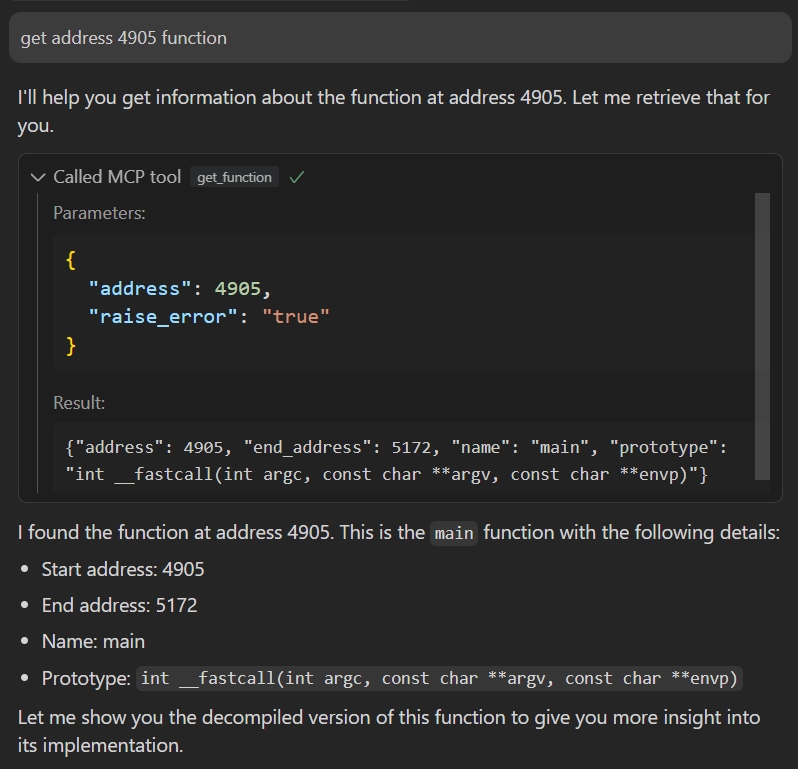
uv run headless_ida_mcp_serverConnect to the server using an MCP client:
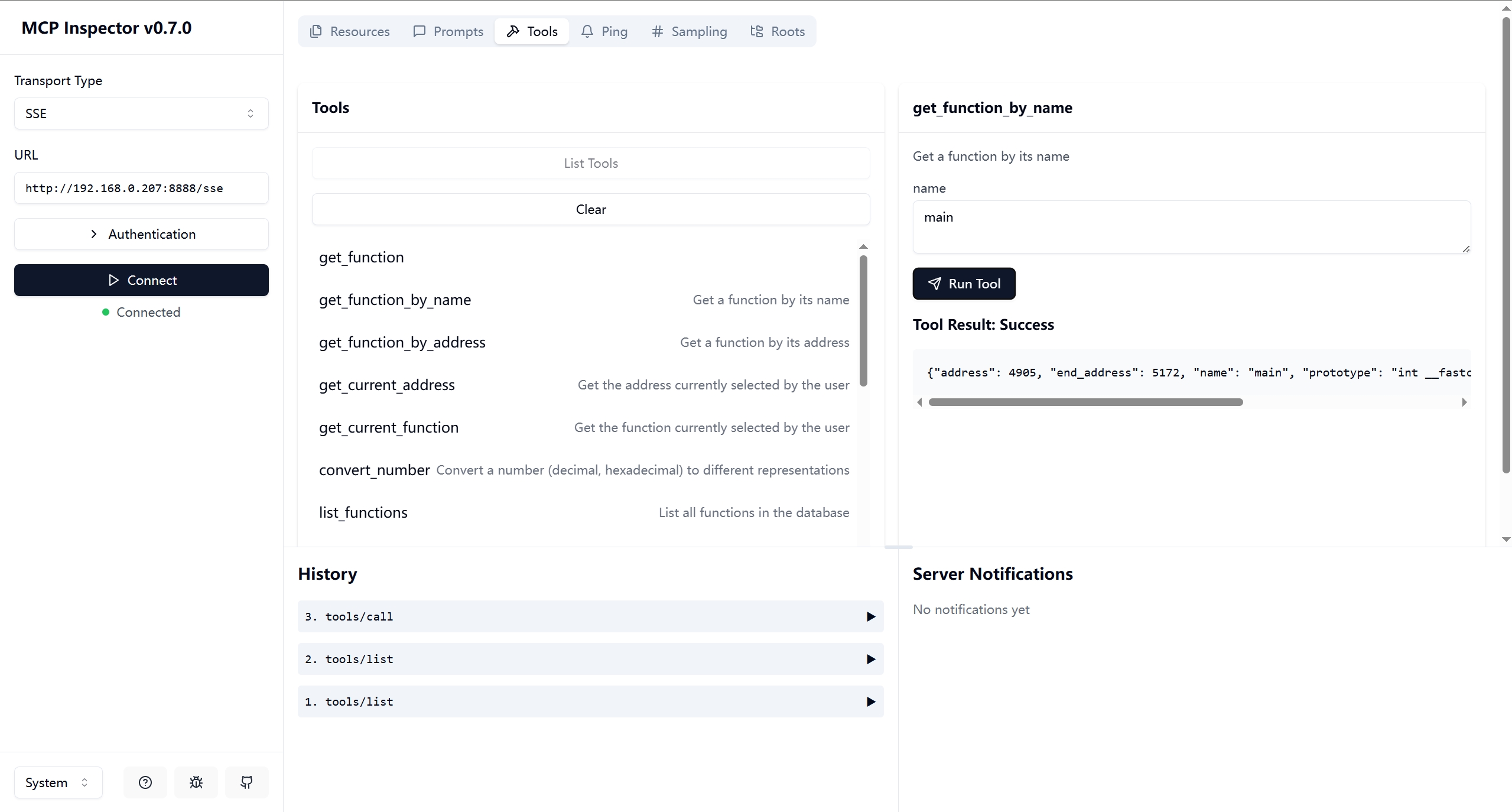
Debug it:
npx -y @modelcontextprotocol/inspectoror
{ "mcpServers": { "ida": { "command": "/path/to/uv", "args": ["--directory","path/to/headless-ida-mcp-server","run","headless_ida_mcp_server"] } } }