Glama

Code Runner MCP 服务器

NPM 下载 铁匠徽章 Docker拉取

MCP 服务器用于运行代码片段并显示结果。

它支持运行多种编程语言: JavaScript、PHP、Python、Perl、Perl 6、Ruby、Go、Lua、Groovy、PowerShell、BAT/CMD、BASH/SH、F# Script、C# Script、VBScript、TypeScript、CoffeeScript、Scala、Swift、Julia、Crystal、OCaml Script、R、AppleScript、Elixir、Clojure、Racket、Scheme、AutoHotkey、AutoIt、Kotlin Script、Dart、Haskell、Ni、Lisp、Kit、V、SCSS、Sass 。完整列表可以在这里的constants.ts中查看。

设置

VS Code 的 npx

使用以下按钮在 VS Code 中安装 Code Runner MCP 服务器:

在 VS Code 中安装 在 VS Code Insiders 中安装

或者,您可以在settings.json中添加配置:

{ "mcp": { "inputs": [], "servers": { "mcp-server-code-runner": { "command": "npx", "args": [ "-y", "mcp-server-code-runner@latest" ], } } } }

克劳德桌面版的 npx

claude_desktop_config.json中的配置:

{ "mcpServers": { "mcp-server-code-runner": { "command": "npx", "args": [ "-y", "mcp-server-code-runner@latest" ], } } }

Docker

以 VS Code 为例,使用以下按钮在 VS Code 中安装 Code Runner MCP 服务器:

在 VS Code 中安装 在 VS Code Insiders 中安装

或者,您可以在settings.json中添加配置:

{ "mcp": { "inputs": [], "servers": { "mcp-server-code-runner": { "command": "docker", "args": [ "run", "--rm", "-i", "formulahendry/mcp-server-code-runner" ] } } } }

Widnows 上的 npx 问题

在 Windows 上, MCP 服务器可能无法连接

您可以尝试以下两种解决方法:

使用bunx

  1. 安装Bun

  2. 在配置中,将npx更改为bunx

使用 cmd

以下是settings.json中的 VS Code 配置:

{ "mcp": { "inputs": [], "servers": { "mcp-server-code-runner": { "command": "cmd", "args": [ "/c", "npx", "-y", "mcp-server-code-runner@latest" ], } } } }

Related MCP server: MCP Server Neurolorap

使用可流式 HTTP 传输运行

npm install -g mcp-server-code-runner@latest mcp-server-code-runner --transport http

用法

在使用 Code Runner MCP Server 之前,请确保您要运行的编程语言的解释器或编译器已在PATH环境变量中设置。

在已配置 Code Runner MCP Server 的应用程序中尝试以下提示:

  • Run the JavaScript Code: console.log(5+6)

  • Where is temporary folder in my OS? Use run-code tool

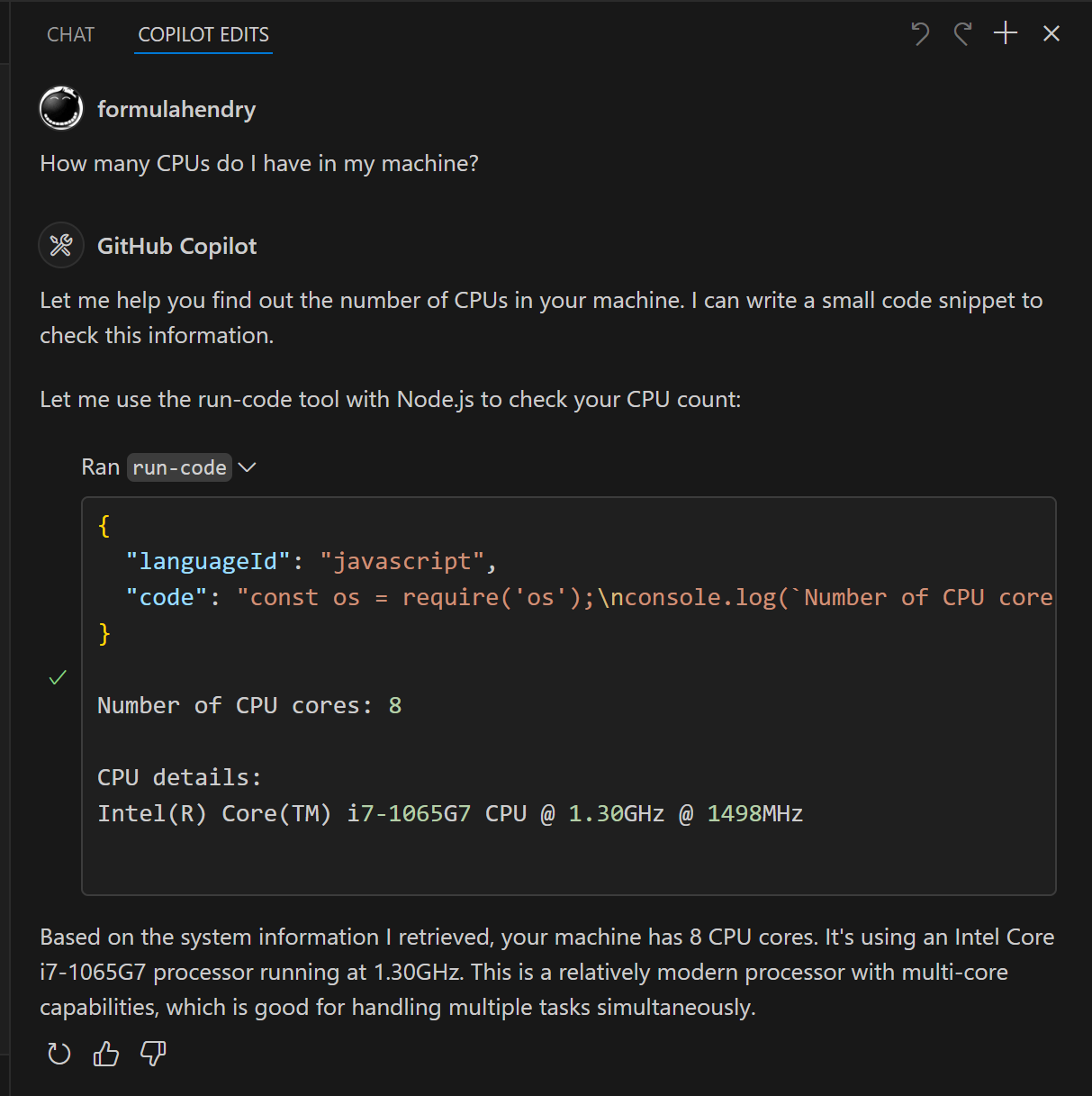
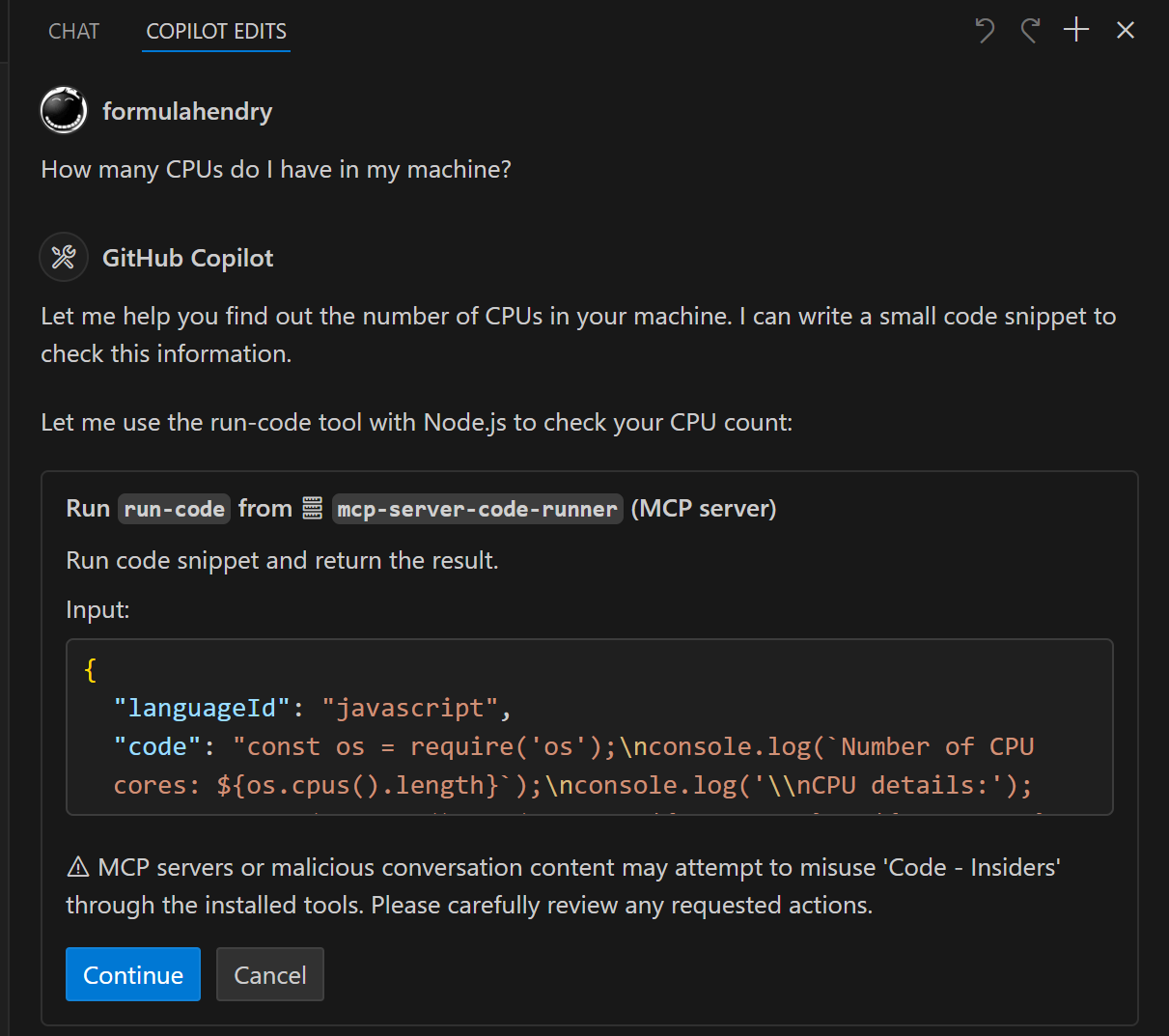
  • How many CPUs do I have in my machine? Use run-code tool
构建您自己的 MCP 服务器

想要构建自己的 MCP 服务器吗?试试Yeoman Generator for MCP 服务器,创建你的 MCP 服务器项目!

One-click Deploy
A
security – no known vulnerabilities
A
license - permissive license
A
quality - confirmed to work

Latest Blog Posts

MCP directory API

We provide all the information about MCP servers via our MCP API.

curl -X GET 'https://glama.ai/api/mcp/v1/servers/formulahendry/mcp-server-code-runner'

If you have feedback or need assistance with the MCP directory API, please join our Discord server