首尔公共数据 MCP 服务器示例
这是使用首尔公共数据 API 提供首尔各种公共数据的 MCP 服务器的示例。
示例列表
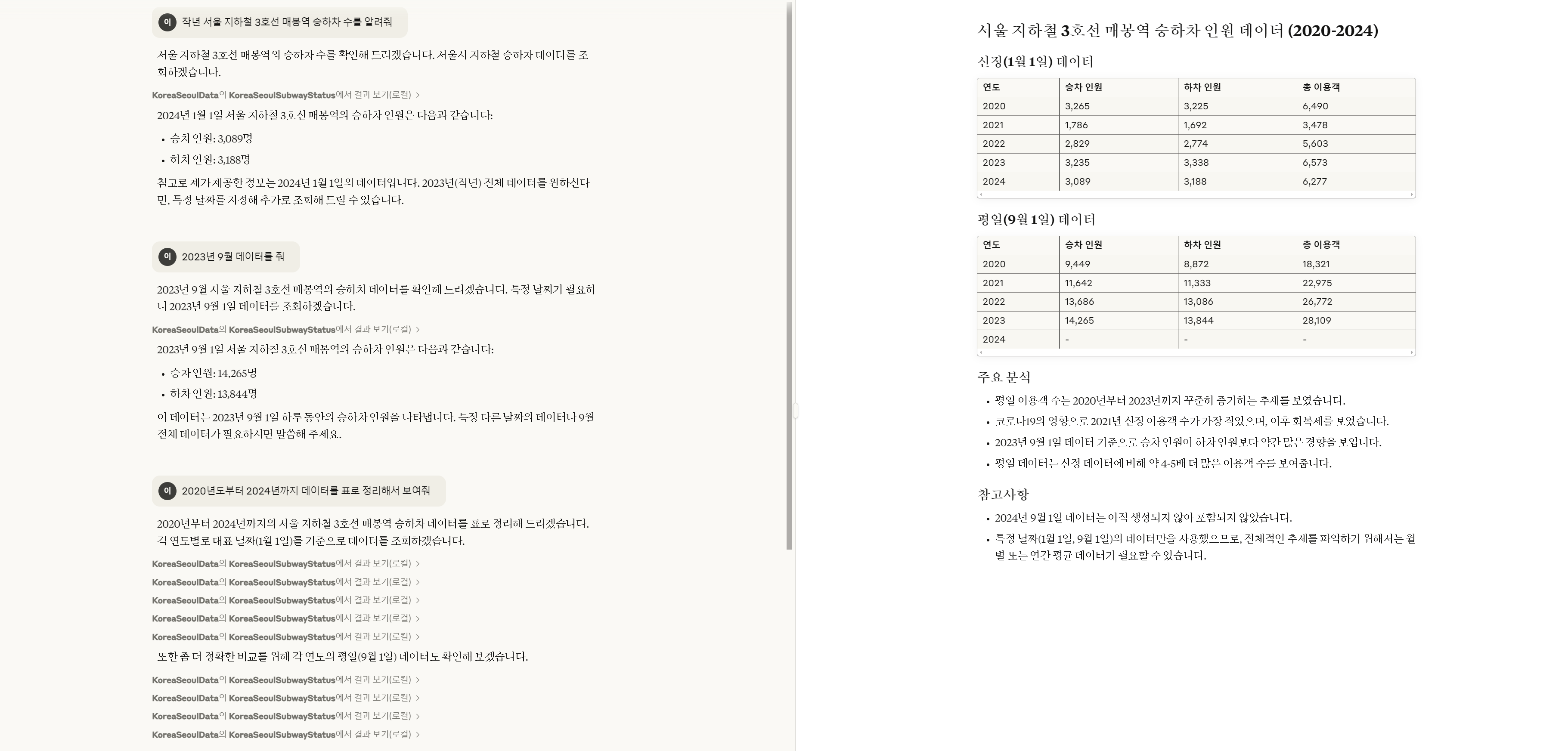
首尔市各地铁线路及车站上下车乘客人数信息
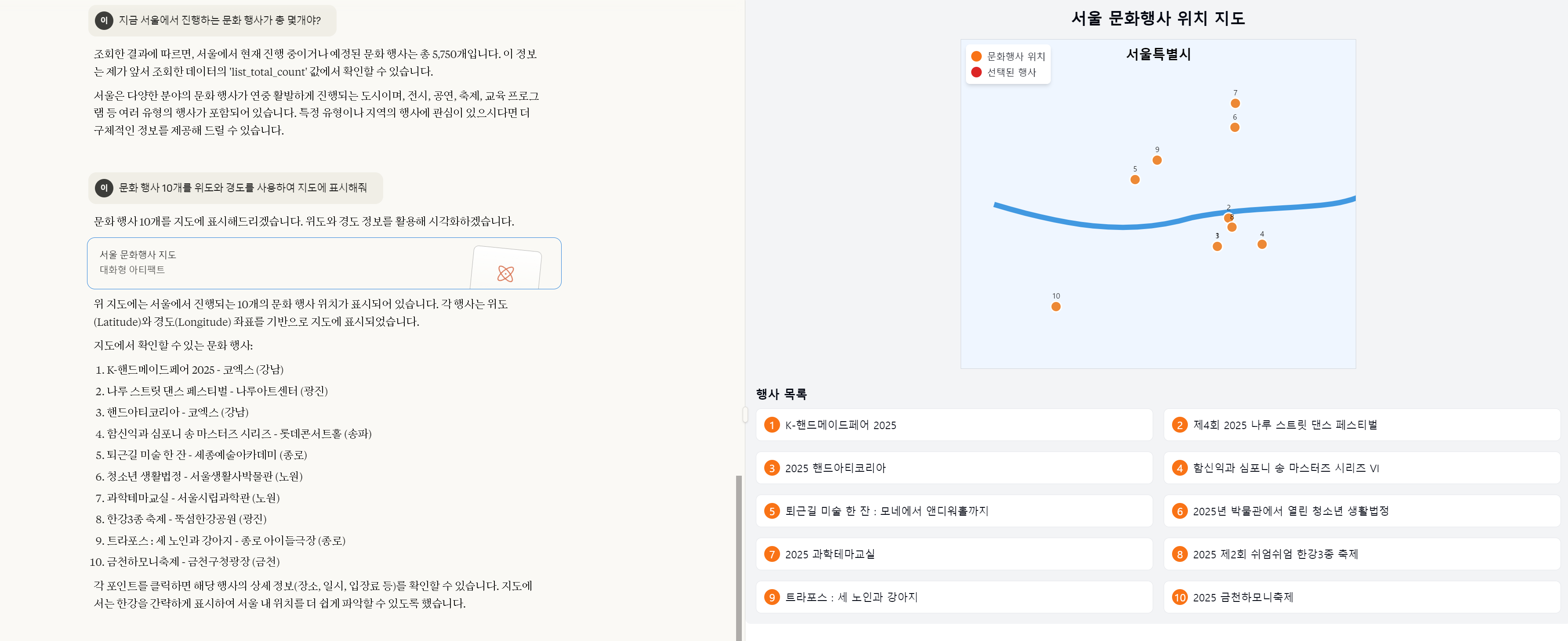
首尔市文化活动信息
Related MCP server: 12306-MCP
如何设置
设置首尔公共数据 API 密钥
首尔市各地铁线路及车站上下车乘客人数信息
将以下 {API key} 添加到文件modules/KoreaSeoulCulturalEventInfo.ts中。
import {
Tool,
} from "@modelcontextprotocol/sdk/types.js";
const API_URL = "http://openapi.seoul.go.kr:8088/{authKey}/json/culturalEventInfo/{StartIndex}/{EndIndex}";
const API_KEY = "{API 키}";
首尔市文化活动信息
将以下 {API key} 添加到文件modules/KoreaSeoulSubwayStatus.ts中。
import {
Tool,
} from "@modelcontextprotocol/sdk/types.js";
const API_URL = "http://openapi.seoul.go.kr:8088/{authKey}/json/culturalEventInfo/{StartIndex}/{EndIndex}";
const API_KEY = "{API 키}";
构建它
npm i; npm run build
将 MCP 设置添加到 Claude Desktop
将以下内容添加到claude_desktop_config.json文件中:应添加 {built path} 以适合您自己的。
{
"mcpServers": {
"KoreaSeoulData": {
"command": "node",
"args": [
"{빌드된 경로}/seoul_korea/dist/index.js"
]
}
}
}
使用示例
首尔市各地铁线路及车站上下车乘客人数信息
首尔市文化活动信息