The mcp-llm server provides tools to interact with LLMs for code generation, documentation, and answering questions:
Generate Code: Create code based on a description in a specified programming language, with optional context.
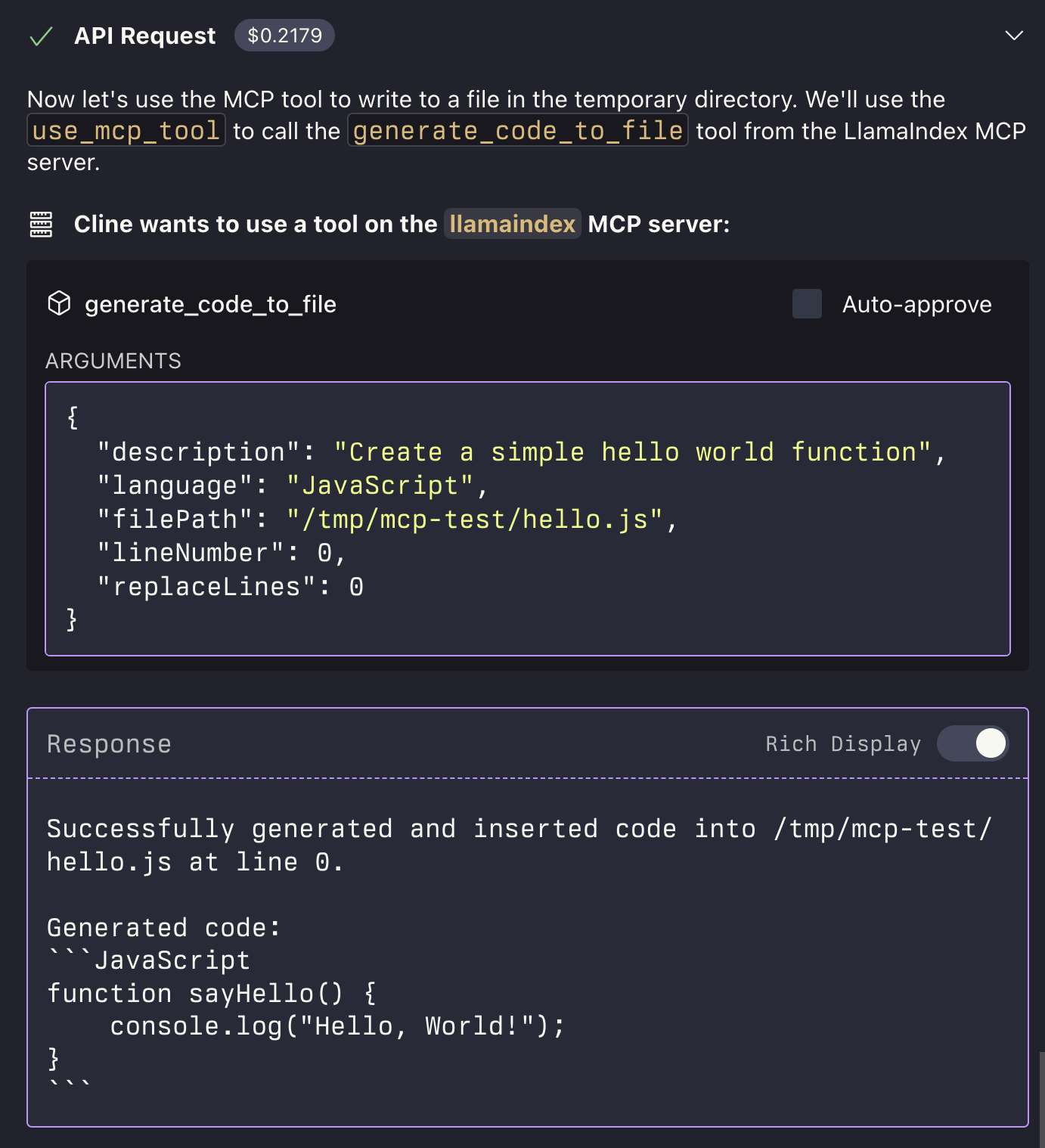
Generate Code to File: Generate code and insert it directly into a file at a specific line number, optionally replacing existing lines.
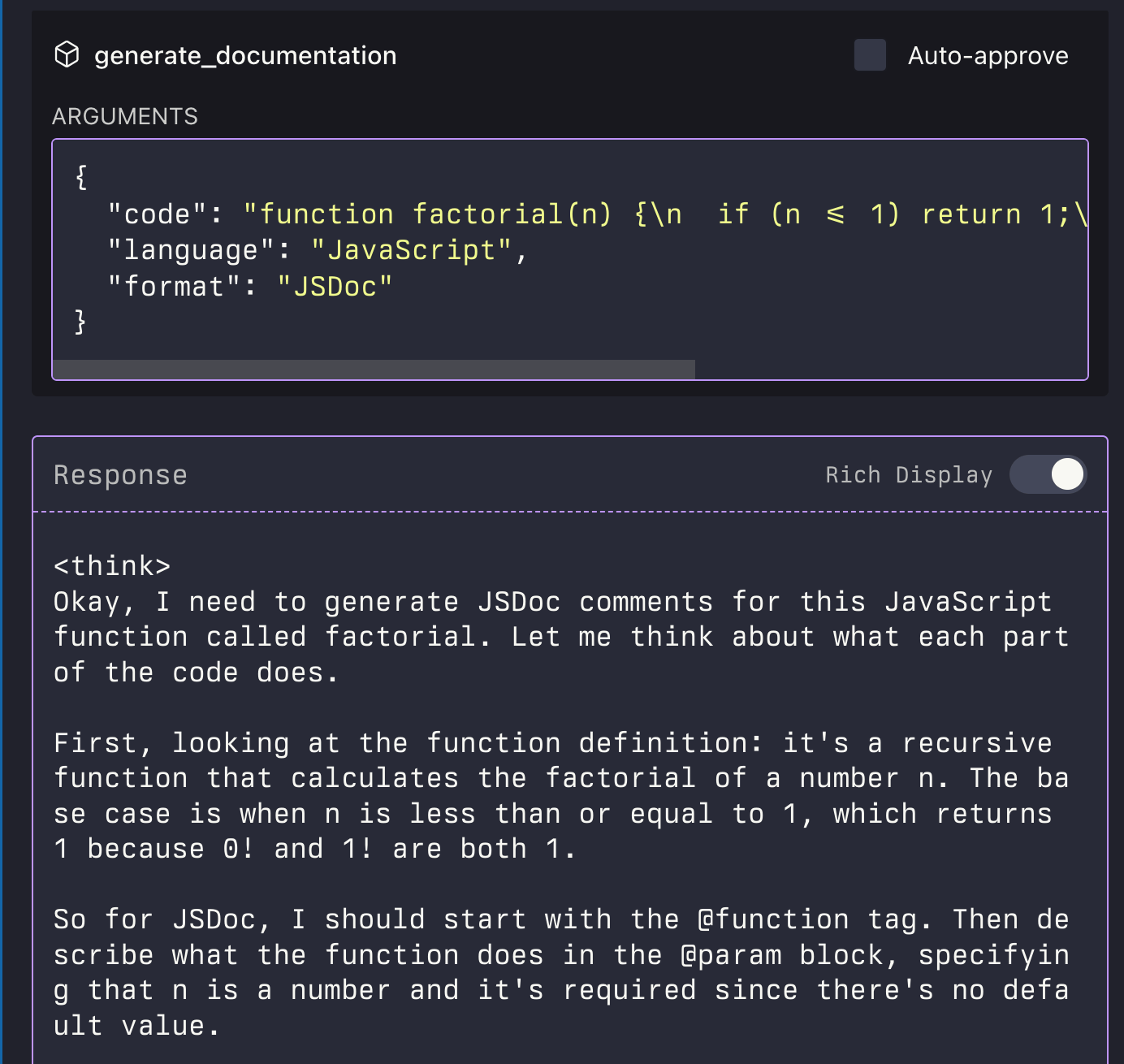
Generate Documentation: Automatically generate documentation for provided code in a specified format.
Ask Question: Pose general questions to the LLM with optional context for clarification.
MCP LLM
An MCP server that provides access to LLMs using the LlamaIndexTS library.
Features
This MCP server provides the following tools:
generate_code: Generate code based on a descriptiongenerate_code_to_file: Generate code and write it directly to a file at a specific line numbergenerate_documentation: Generate documentation for codeask_question: Ask a question to the LLM
Related MCP server: MCP LLMS-TXT Documentation Server
Installation
Installing via Smithery
To install LLM Server for Claude Desktop automatically via Smithery:
Manual Install From Source
Clone the repository
Install dependencies:
Build the project:
Update your MCP configuration
Using the Example Script
The repository includes an example script that demonstrates how to use the MCP server programmatically:
This script starts the MCP server and sends requests to it using curl commands.
Examples
Generate Code
Generate Code to File
The generate_code_to_file tool supports both relative and absolute file paths. If a relative path is provided, it will be resolved relative to the current working directory of the MCP server.


