MCP Browser Automation
This is demo project to practice Model Context Protocol based server implemenation for automating browsing with Playwright. It interacts with a Claude Desktop client to accept user prompts and use server to control browser.
Pre-requisites
Related MCP server: MCP Playwright CDP
Building
Clone the repository:
git clone https://github.com/hrmeetsingh/mcp-browser-automation.gitInstall dependencies:
npm installVerify the output executables are present in
distfolder
Integration
Create a configuration file in
~/Application\ Support/Claude/claude_desktop_config.json(This is for macOS)Copy the following to the file:
Start Claude Desktop
Usage
Open Claude Desktop
Start a new conversation to open a browser and navigate to a URL
Example
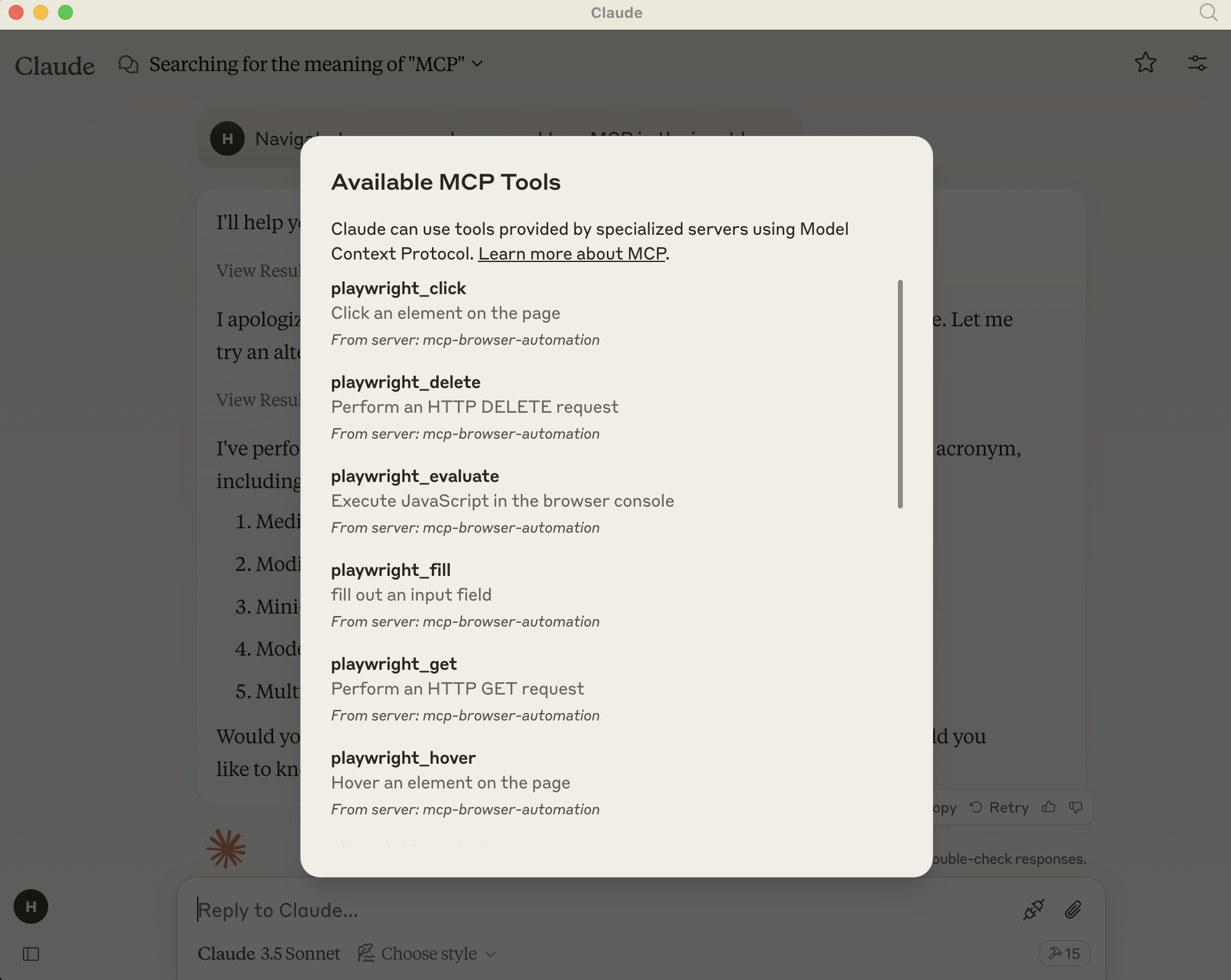
Added MCP Server options
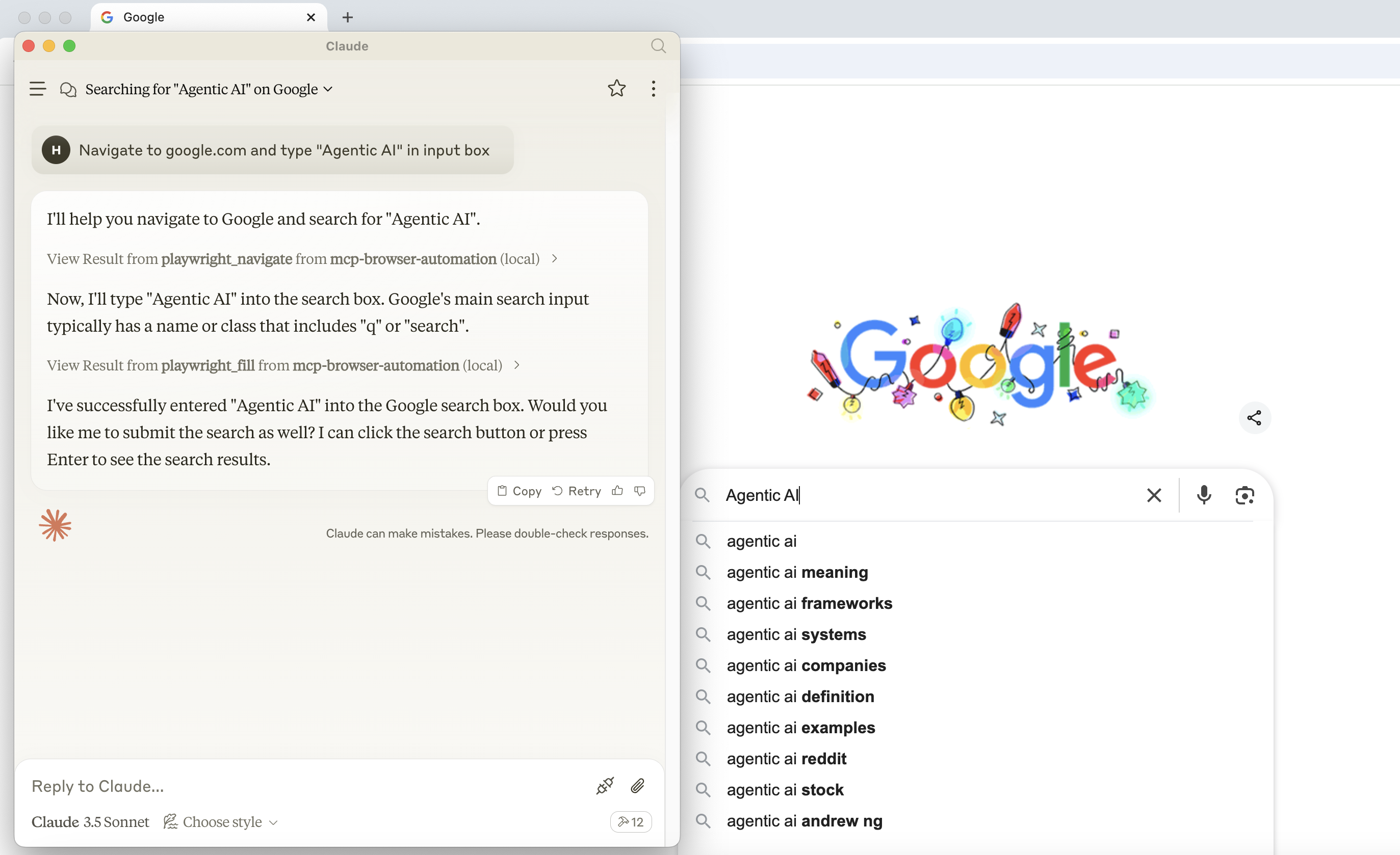
Navigating to a URL and doing actions with playwright
Appeared in Searches
- Methods for Parsing Emails
- Tools and techniques for scraping website data, creating event calendars, and building YouTube playlists
- A server for finding gaming-related content
- Understanding File System Operations: Read, Write, and Edit Directories
- How to generate theme colors and download fonts in Figma