MCP 浏览器自动化
这是一个演示项目,用于练习如何基于模型上下文协议 (MCP) 的服务器端实现,以便使用 Playwright 实现自动浏览。它与 Claude 桌面客户端交互,以接受用户提示并使用服务器控制浏览器。
先决条件
Related MCP server: MCP Playwright CDP
建筑
克隆存储库:
git clone https://github.com/hrmeetsingh/mcp-browser-automation.git安装依赖项:
npm install验证输出可执行文件是否存在于
dist文件夹中
一体化
在
~/Application\ Support/Claude/claude_desktop_config.json中创建配置文件(适用于 macOS)将以下内容复制到文件中:
{
"mcpServers": {
"mcp-browser-automation": {
"command": "node",
"args": ["/path/to/mcp-browser-automation/dist/index.js"]
}
}
}
启动 Claude Desktop
用法
打开 Claude 桌面
开始新的对话以打开浏览器并导航到 URL
例子
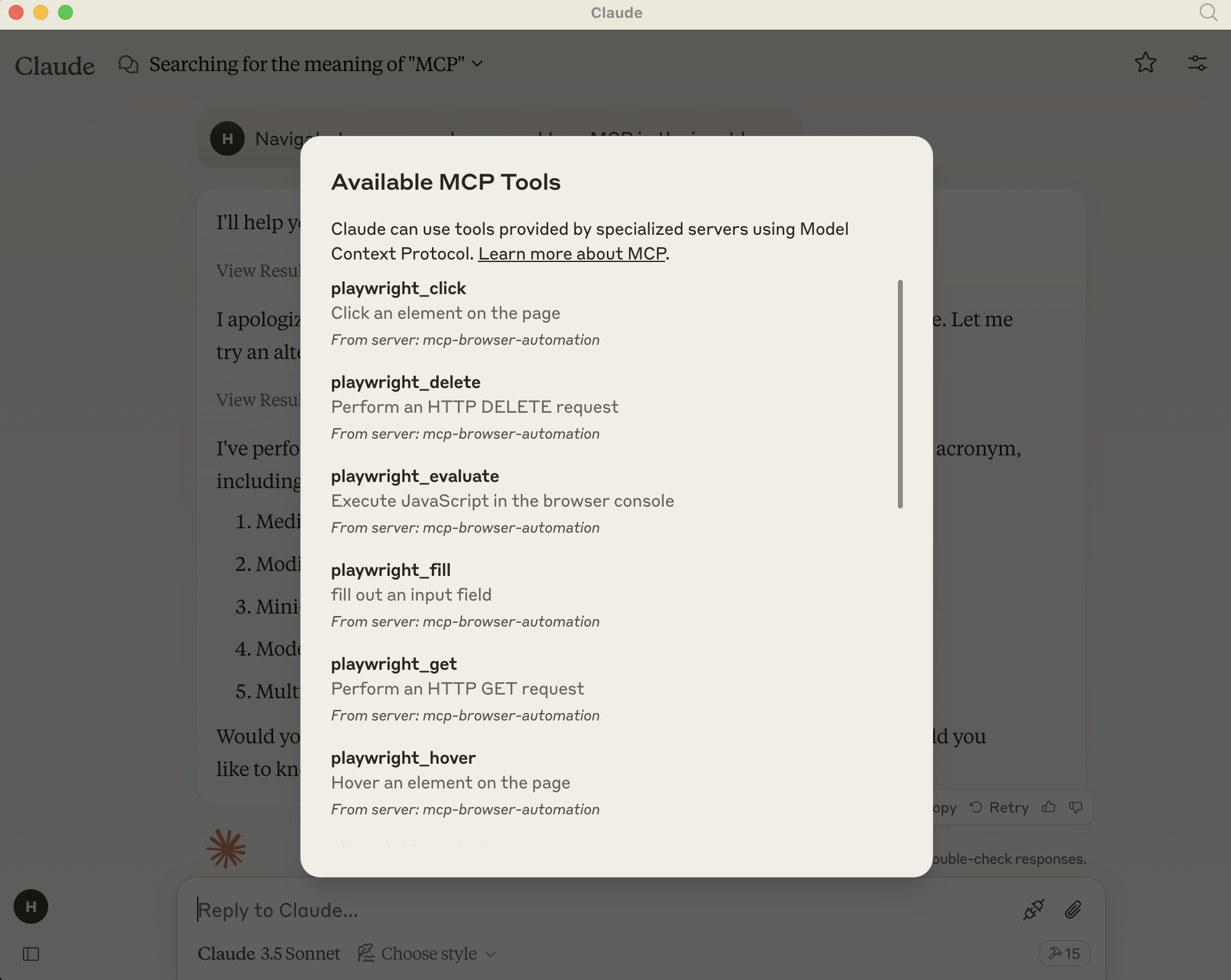
添加了 MCP 服务器选项
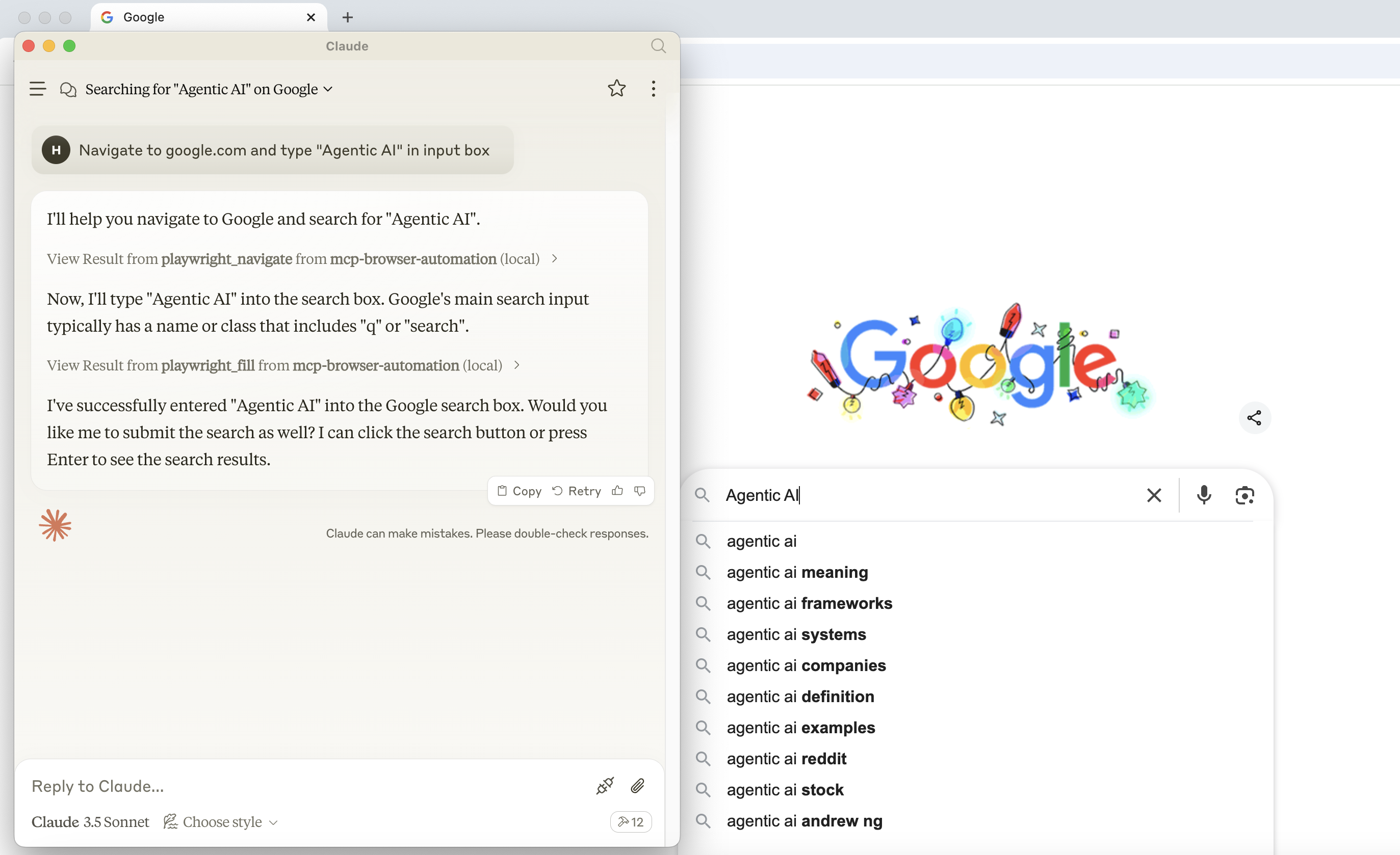
导航到 URL 并使用 playwright 执行操作
Appeared in Searches
- Methods for Parsing Emails
- Tools and techniques for scraping website data, creating event calendars, and building YouTube playlists
- A server for finding gaming-related content
- Understanding File System Operations: Read, Write, and Edit Directories
- How to generate theme colors and download fonts in Figma