Provides integration with Vite development servers to expose component and state data through MCP endpoints.
vite-plugin-vue-mcp
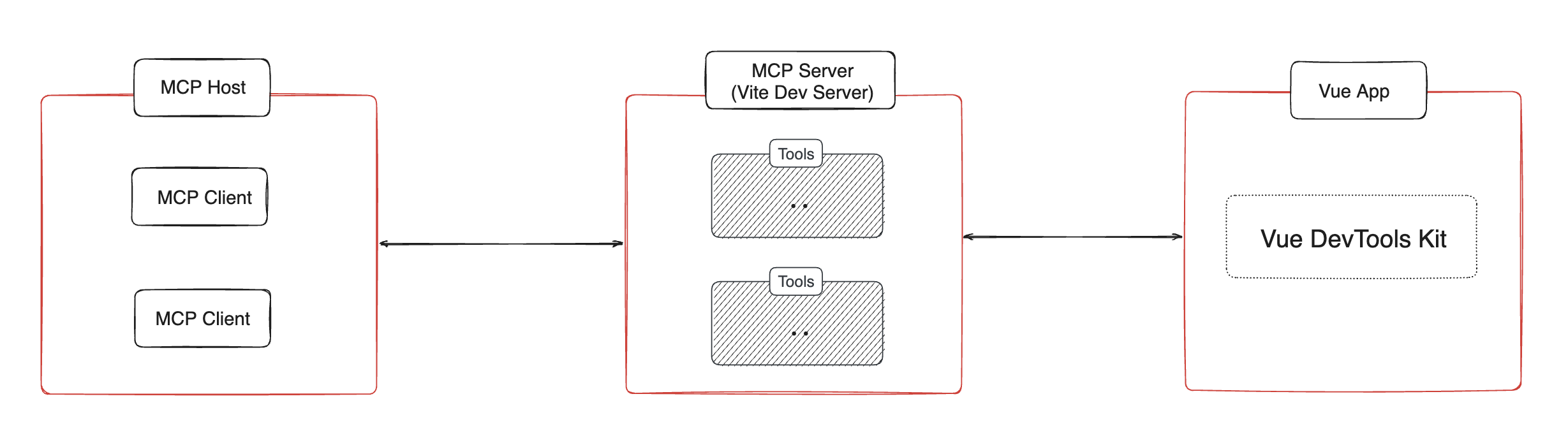
Vite plugin that enables a MCP server for your Vue app to provide information about the component tree, state, routes, and pinia tree and state.
Installation 📦
Related MCP server: MCP Server
Usage 🔨
Then the MCP server will be available at http://localhost:[port]/__mcp/sse.
If you are using Cursor, create a .cursor/mcp.json file in your project root, this plugin will automatically update it for you. For more details about the MCP, check the official Cursor documentation.
Options
Features/Tools ✨
Get Component Tree
get-component-tree: Get the Vue component tree.
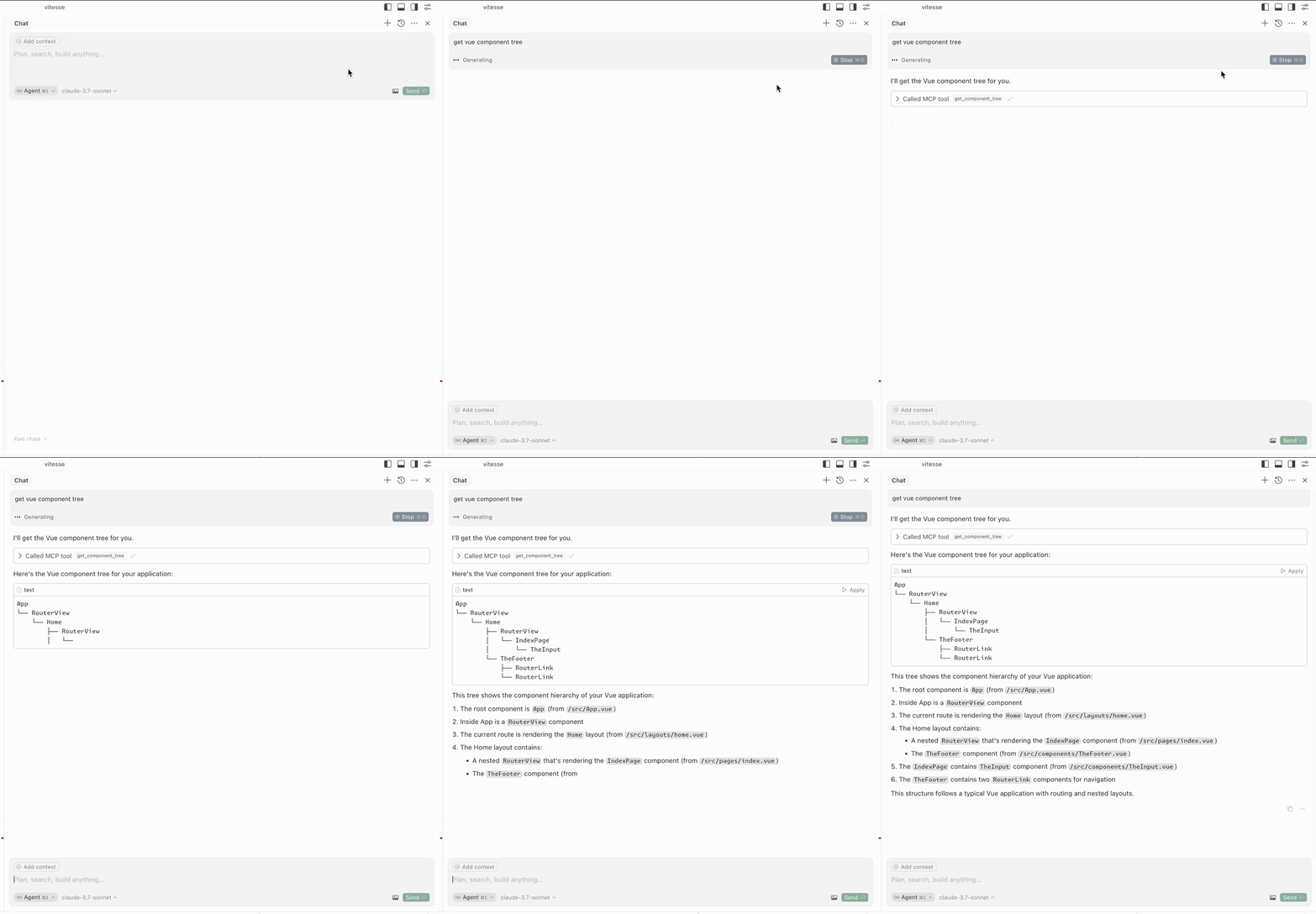
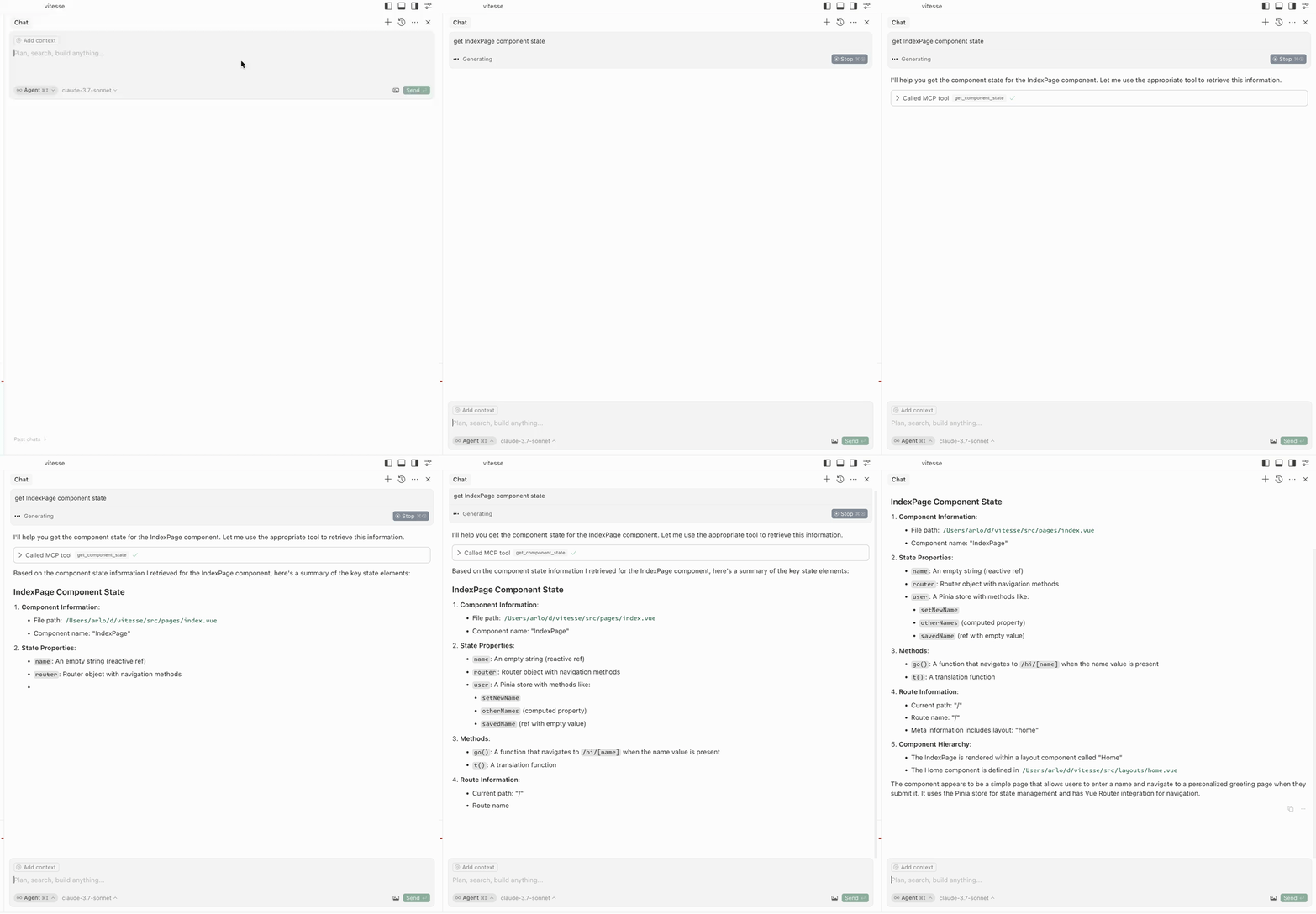
Get Component State
get-component-state: Get the state of a component (input: componentName).
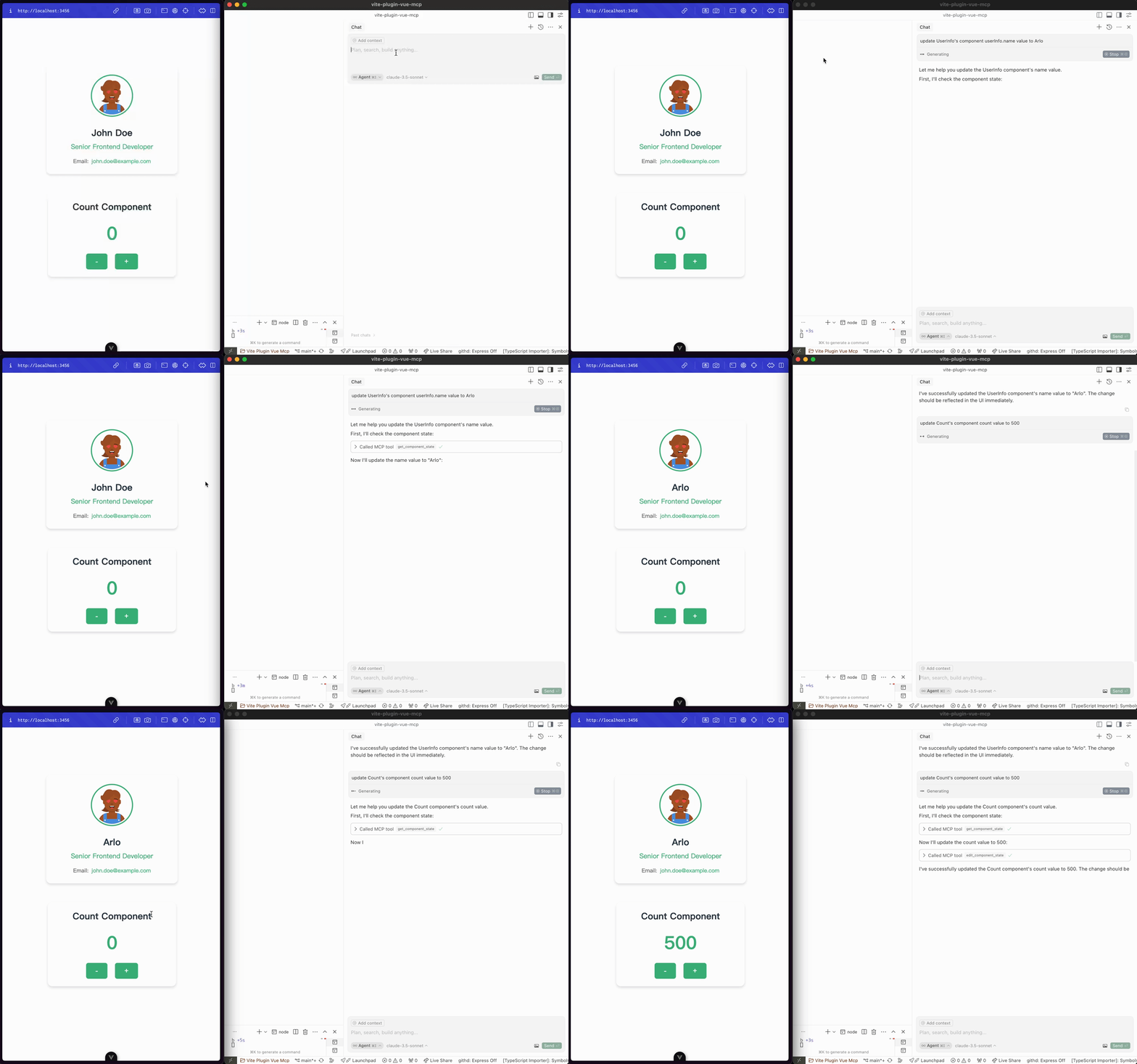
Edit Component State
edit-component-state: Edit the state of a component (input: componentName, path, value, valueType).
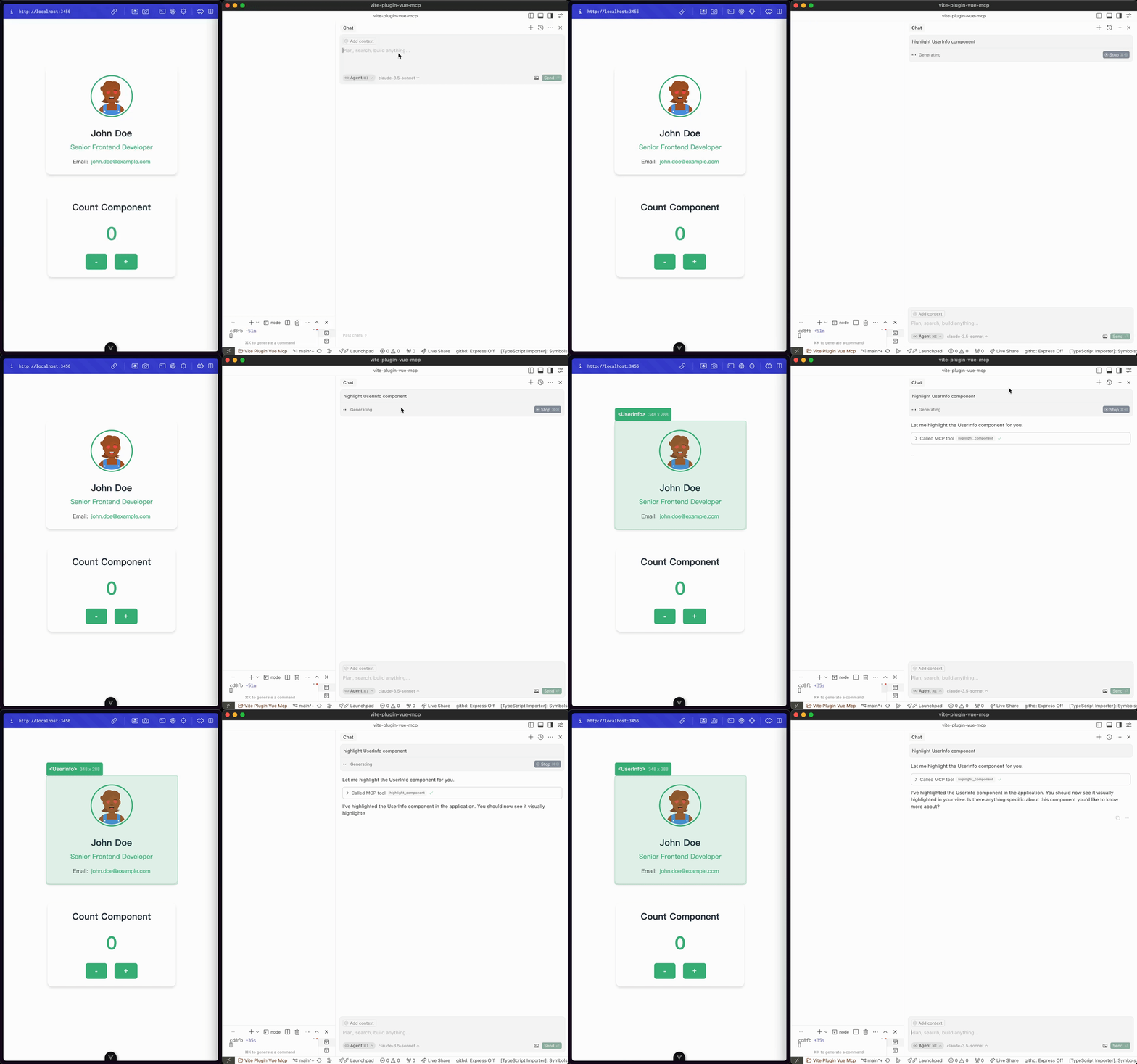
Highlight Component
highlight-component: Highlight a component (input: componentName).
Get Routes
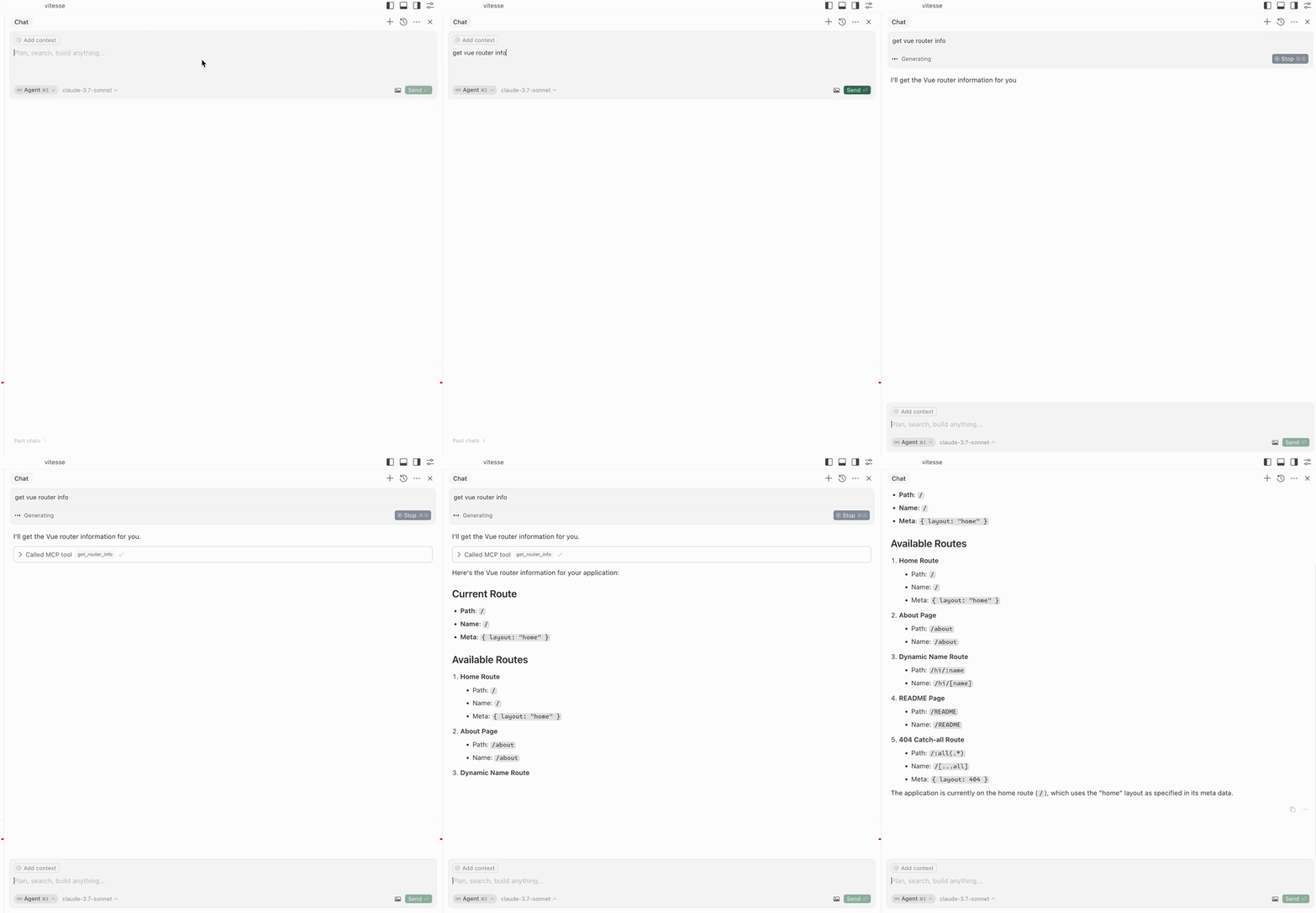
get-router-info: Get the Vue router info of the application.
Get Pinia Tree
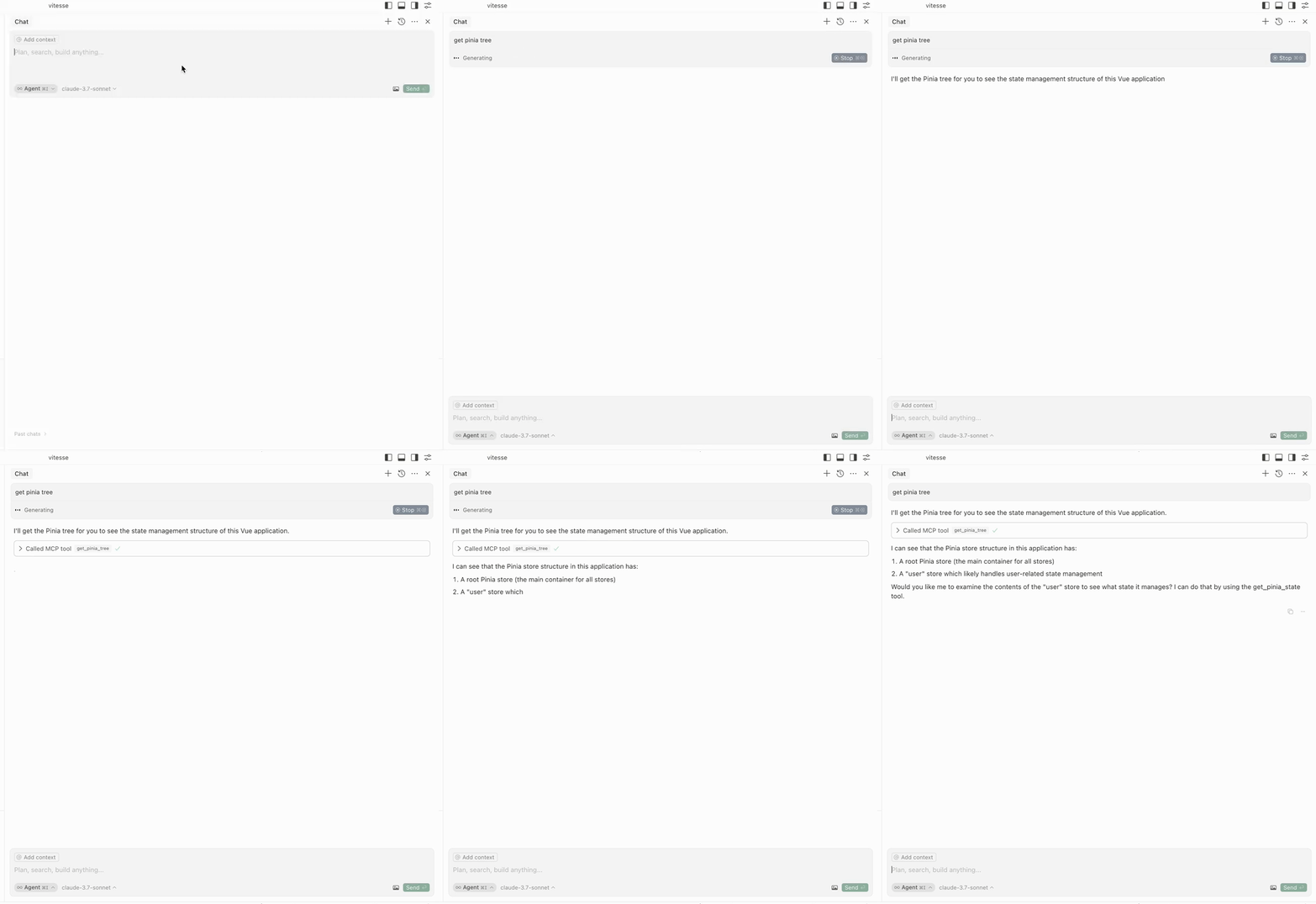
get-pinia-tree: Get the Pinia tree of the application.
Get Pinia State
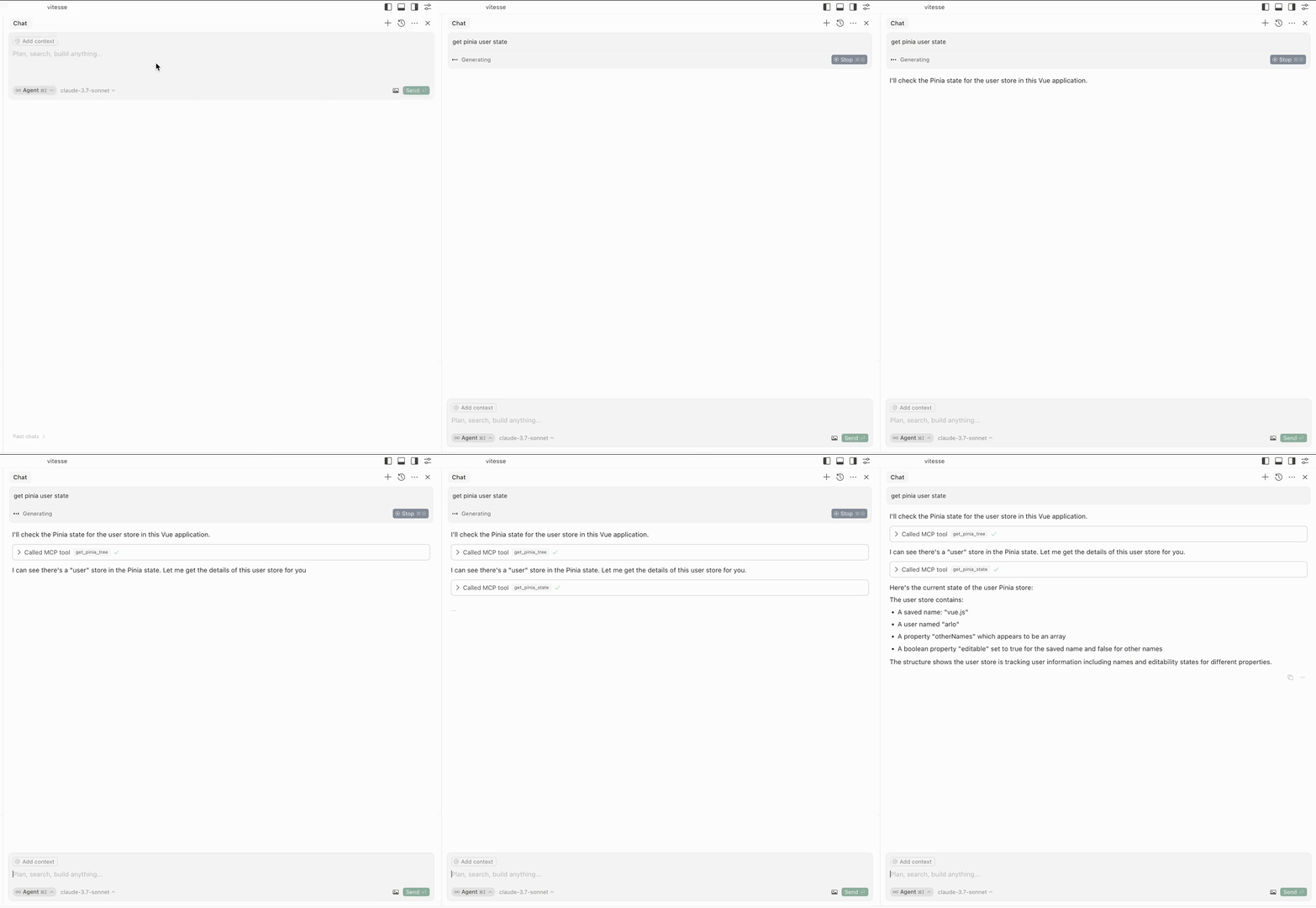
get-pinia-state: Get the Pinia state of the application (input: storeName).
Architecture ⚡️
Notice 💡
Please ensure the application is running in your browser before using the features.
Credits 💖
This project is inspired by vite-plugin-mcp. Thanks to @antfu for the great work.